MCP server and CLI to search a Synology NAS's Universal Search index over SSH. No sudo, keeps DSM 2FA, read-only.
Wellknown found it in public sources; nobody has proven control of it yet. Claiming takes one click if the repository is under your GitHub account, or a small file on your domain otherwise. Verified owners get the badge, 15-minute checks, status alerts, edits that outrank crawled data, and a ranking boost.
Agents can do it too: POST https://wellknown.network/api/v1/claims with {"agent":"nas-search-mcp","method":"well_known_file"} — machine-readable steps at claim.json, guide at /docs/claim.
Everything here was measured by our prober or read from a registry. Nothing is self-reported.
Attributed to the source that supplied each field. Treated as claims, not facts.
# synology-search-agent English | [日本語](https://github.com/umayado17/synology-search-agent/blob/main/README.ja.md) <!-- mcp-name: io.github.umayado17/nas-search-mcp --> **Let AI agents search your Synology NAS.** An MCP server and CLI that searches the **existing Universal Search index** (file names and full text) of a Synology NAS over SSH and returns JSON. - **MCP server or CLI.** `nas-search-mcp` offers `search` and `status` as MCP tools for MCP apps; `nas-search` is the same search as a command. - **No sudo, no root.** It runs as a normal DSM user. - **Two-factor authentication (OTP) stays on.** It never turns it off. - **Read-only.** It never changes files, the index or shared folders. - Runs on the Python 3.8+ standard library only (no extra packages). 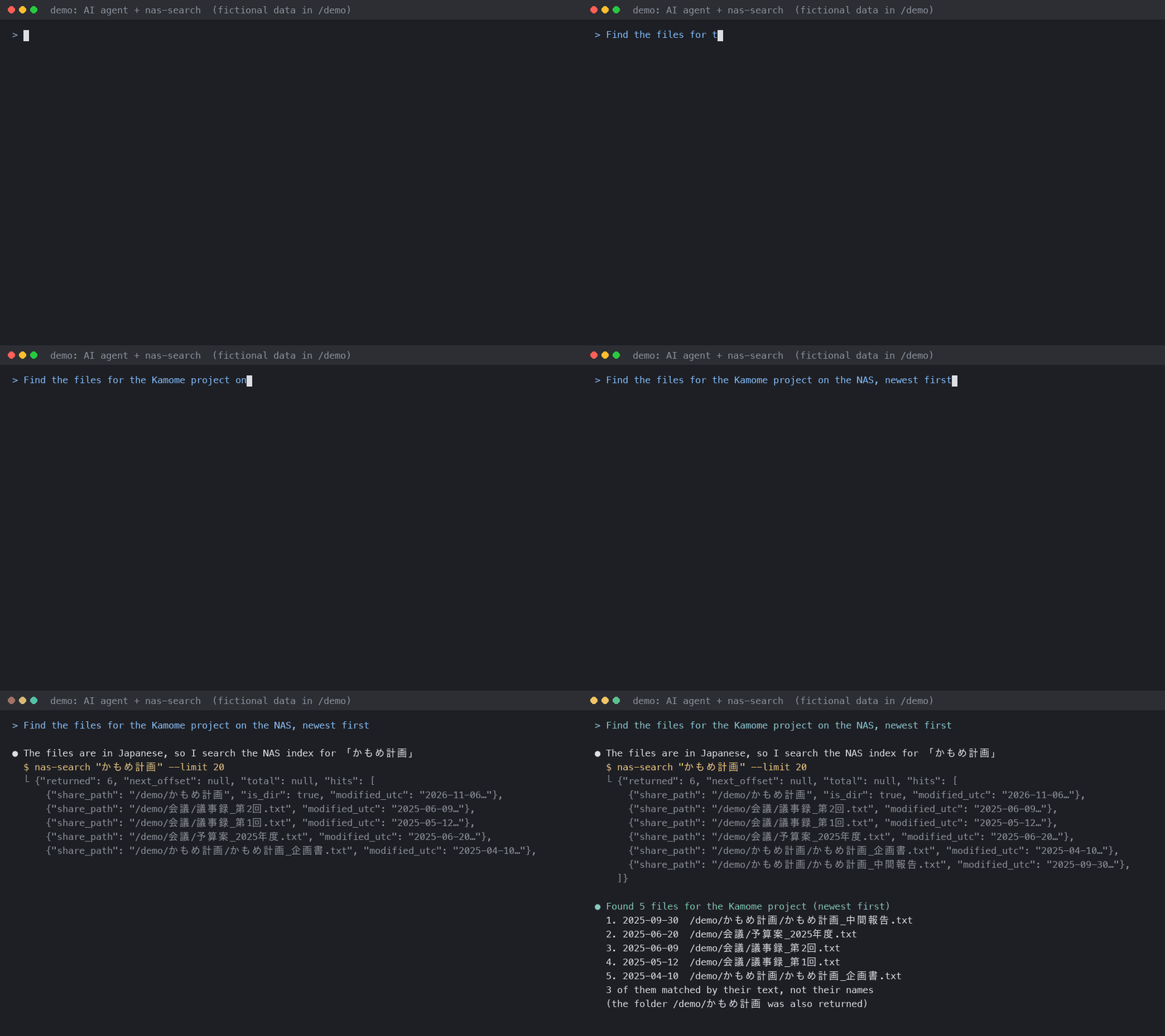 > [!WARNING] > This tool uses a Web API that Synology does not publish (`SYNO.Finder.FileIndexing.Search`). A DSM update may break it without notice. This is an unofficial tool and is not affiliated with Synology. Synology, DSM and Universal Search are trademarks of Synology Inc. > [!NOTE] > Messages printed by the commands are in Japanese by default; set `lang = en` (or `UNISEARCH_LANG=en`) for English (see [Settings files](#settings-files)). The detailed documents under `docs/` are in Japanese, but their commands can be used as they are. Agents should rely on the JSON fields (`error.type`) and exit codes, which are stable and documented below. ## Use it as an MCP server On the machine where the AI agent runs (macOS or Linux, Python 3.8+), install the package from PyPI, or run it without installing through [uv](https://docs.astral.sh/uv/): ```bash pipx install nas-search-mcp # installs nas-se…
Mapped onto the structured taxonomy from declared text and observed tool names. Confidence shown for derived entries.
Every source is kept verbatim. Field changes are logged as events.