MCP server for YOKATLAS API - Turkish Higher Education Atlas
Wellknown found it in public sources; nobody has proven control of it yet. Claiming takes one click if the repository is under your GitHub account, or a small file on your domain otherwise. Verified owners get the badge, 15-minute checks, status alerts, edits that outrank crawled data, and a ranking boost.
Agents can do it too: POST https://wellknown.network/api/v1/claims with {"agent":"iflow-mcp-yokatlas-mcp","method":"well_known_file"} — machine-readable steps at claim.json, guide at /docs/claim.
Everything here was measured by our prober or read from a registry. Nothing is self-reported.
Attributed to the source that supplied each field. Treated as claims, not facts.
# YOKATLAS API MCP Sunucusu [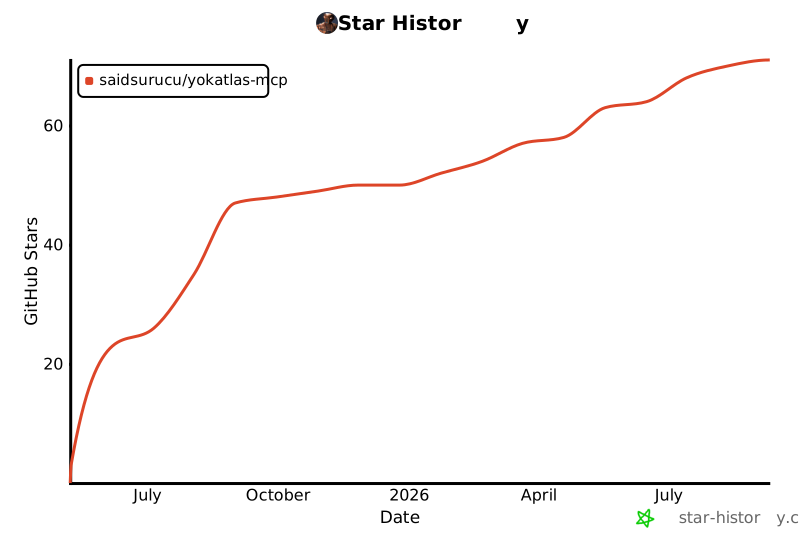](https://www.star-history.com/#saidsurucu/yokatlas-mcp&Date) Bu proje, [YÖKATLAS](https://yokatlas.yok.gov.tr/) verilerine erişimi sağlayan `yokatlas-py` Python kütüphanesini kullanarak bir [FastMCP](https://www.gofastmcp.com/) sunucusu oluşturur. Bu sayede, YÖKATLAS API fonksiyonları, Model Context Protocol (MCP) destekleyen LLM (Büyük Dil Modeli) uygulamaları ve diğer istemciler tarafından araç (tool) olarak kullanılabilir hale gelir.  ## 🎯 Temel Özellikler * YÖKATLAS verilerine programatik erişim için standart bir MCP arayüzü. * Lisans ve Önlisans program detaylarını getirme. * Lisans ve Önlisans programları için kapsamlı arama yapabilme (Tercih Sihirbazı). * Claude Desktop uygulaması ile kolay entegrasyon. ## 📋 Ön Gereksinimler * **Python Sürümü:** Python 3.12 veya daha yeni bir sürümünün sisteminizde kurulu olması gerekmektedir. Python'ı [python.org](https://www.python.org/downloads/) adresinden indirebilirsiniz. * **pip:** Python ile birlikte gelen `pip` paket yöneticisinin çalışır durumda olması gerekir. <details> <summary>⚙️ Kurulum Adımları</summary> ### Hızlı Kurulum (Önerilen) Claude Desktop'a entegre etmek için sadece `uv` kurulumuna ihtiyacınız var: #### 1. `uv` Kurulumu `uv`, hızlı bir Python paket yöneticisidir. * **macOS ve Linux:** ```bash curl -LsSf https://astral.sh/uv/install.sh | sh ``` * **Windows (PowerShell):** ```bash powershell -c "irm https://astral.sh/uv/install.ps1 | iex" ``` * **pip ile kurulum:** ```bash pip install uv ``` Kurulumu doğrulayın: `uv --version` #### 2. Claude Desktop'a Ekleme Claude Desktop ayarlarından (Settings > Developer > Edit Config) yapılandırma dosyasına aşağıdaki girdiyi ekleyin: ```json { "mcpServers": { "YOKATLAS API Servisi": { "command": "uvx", "args": [ "--from", "git+https://github.com/saidsu…
Mapped onto the structured taxonomy from declared text and observed tool names. Confidence shown for derived entries.
Every source is kept verbatim. Field changes are logged as events.